Buying a Baby Monitor Shouldn't Be This Complicated
A quick search for baby monitors returns hundreds of models, each claiming to offer sharper video, smarter alerts, better sleep tracking, or the latest AI-powered features.
It's easy to assume you need the newest technology to keep your baby safe.
In reality, most parents don't.
The best baby monitor isn't the one with the highest resolution or the longest feature list. It's the one you can rely on every day without thinking about it. A monitor that connects quickly, has clear night vision, lasts through the evening on a single charge, and lets you check on your baby in seconds is almost always a better purchase than one packed with features you'll rarely use.
That's why this guide focuses less on specifications and more on real-world ownership. We'll explain which features genuinely improve your experience, which ones are mostly marketing, and how to choose a monitor that fits both your home and your budget.
Whether you're buying your first baby monitor or replacing an older one, by the end of this guide you'll know exactly what to prioritize—and what you can safely ignore.
Before You Buy
Ask yourself these four questions:
Your answers will eliminate most of the options before you even start comparing models.
Do You Really Need a Baby Monitor?
For many new parents, a baby monitor feels like an essential purchase.
In most cases, we'd agree.
That doesn't mean every family needs the same type of monitor, though.
If your baby sleeps in the same room as you during the first few months, you may not rely on a monitor very often. Likewise, if you live in a small apartment where every room is only a few steps away, you'll probably hear your baby before the monitor alerts you.
As your child begins sleeping independently, however, a monitor becomes much more valuable.
Instead of wondering whether every sound needs your attention, you can check the nursery in seconds without opening the door or risking waking a baby who was already settling back to sleep.
That's where a good monitor earns its place.
It doesn't replace attentive parenting. It simply removes uncertainty.
The Biggest Benefit Isn't What Most Parents Expect
Many first-time parents assume they'll spend hours watching the screen.
In reality, most don't.
After the first few weeks, a baby monitor becomes something you glance at for a few seconds at a time.
Your baby rolls over, grabs a pacifier, and goes back to sleep.
You put the monitor down and continue your evening.
Those tiny moments happen far more often than dramatic ones, and they're exactly why a reliable monitor is so useful. It helps you avoid unnecessary trips to the nursery while giving you confidence that everything is fine.
When You May Not Need One
There are situations where a dedicated baby monitor may not be necessary.
If your baby sleeps in your room full-time, your home is very small, or you're only looking for occasional supervision during naps, a simple audio monitor—or even no monitor at all—may be perfectly reasonable.
The goal isn't to buy the most technology.
The goal is to solve a problem.
If you don't have that problem yet, there's no reason to overspend.
If you live in a small apartment and simply want to hear when your baby wakes up, an inexpensive audio monitor may be all you need. You can always upgrade later if your needs change.
Most families will benefit from a baby monitor, but not everyone needs the most advanced model. Buy the monitor that fits your home and routine today, not the one with features you might use someday.
Understanding the Different Types of Baby Monitors
Every baby monitor falls into one of four main categories.
Understanding the differences now will make every other buying decision much easier.
One job: letting you hear when your baby needs you. Affordable, reliable, and great battery life — but no visual context.
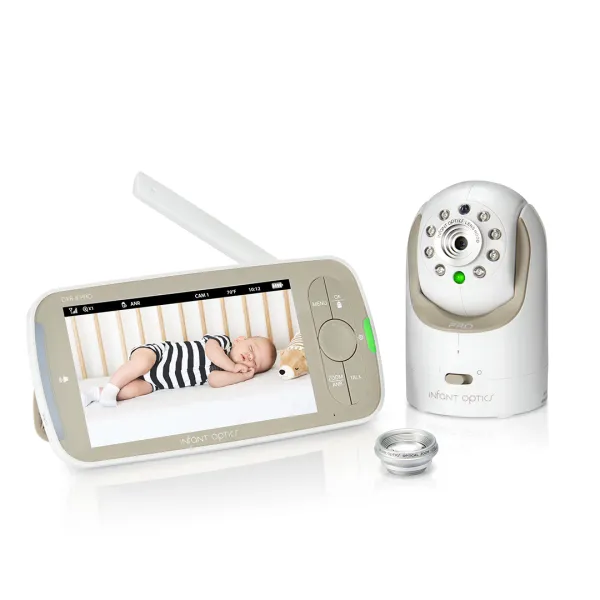
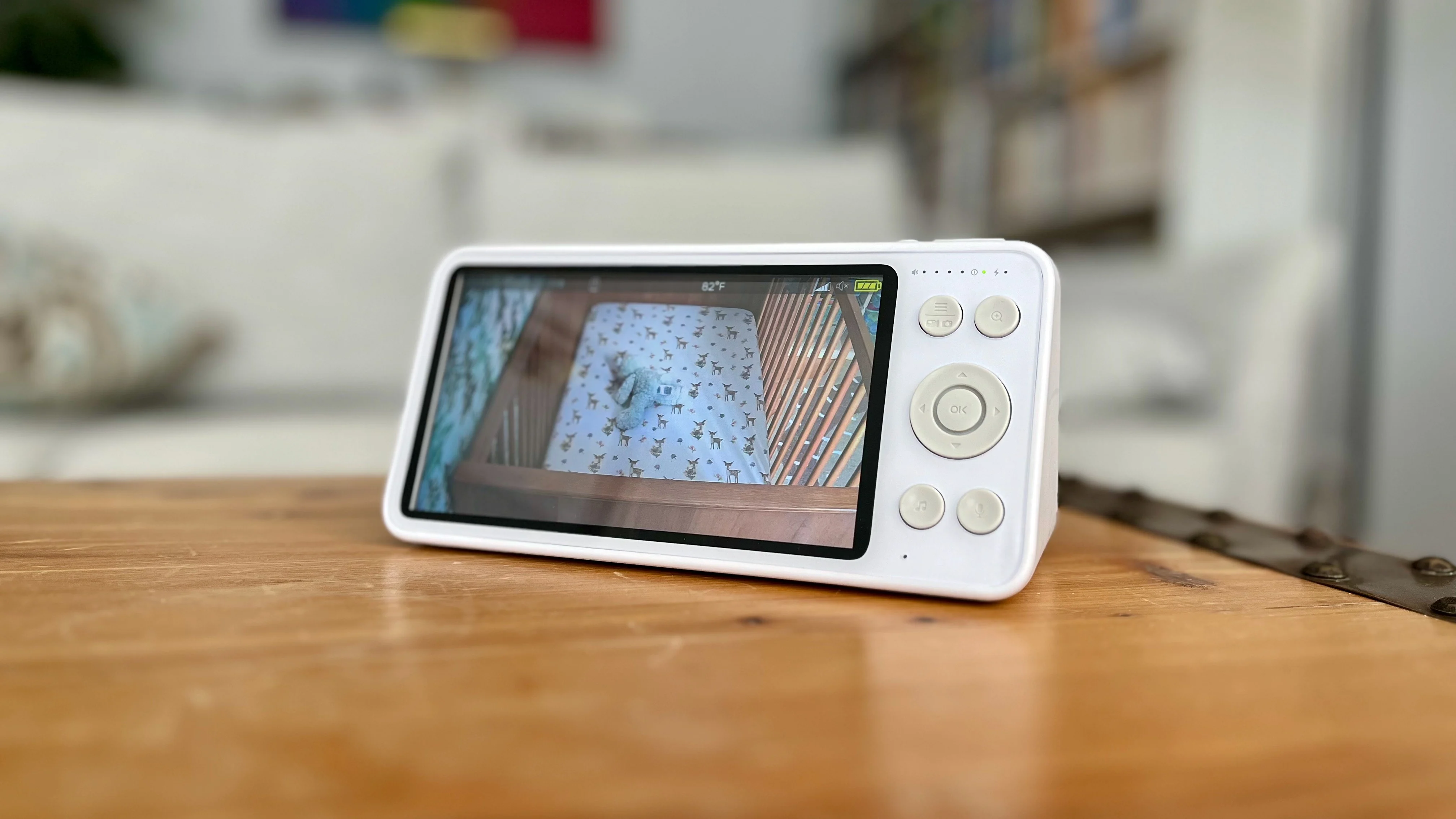
Our default recommendation for most families. A quick glance tells you everything you need to know.
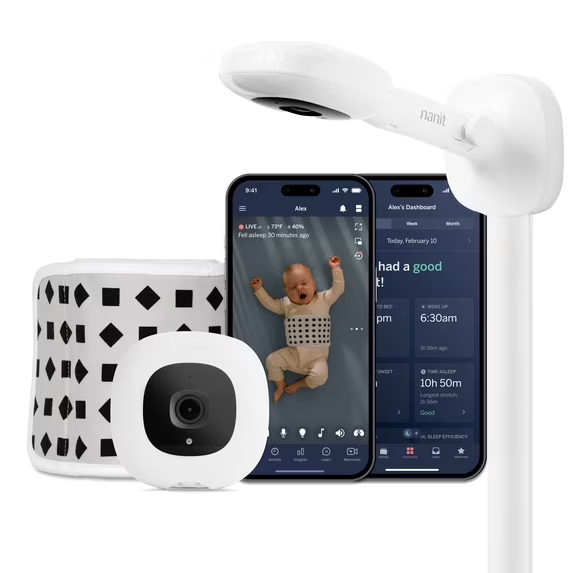
Streams to your phone or tablet so you can check the nursery from anywhere — relies on your home network.
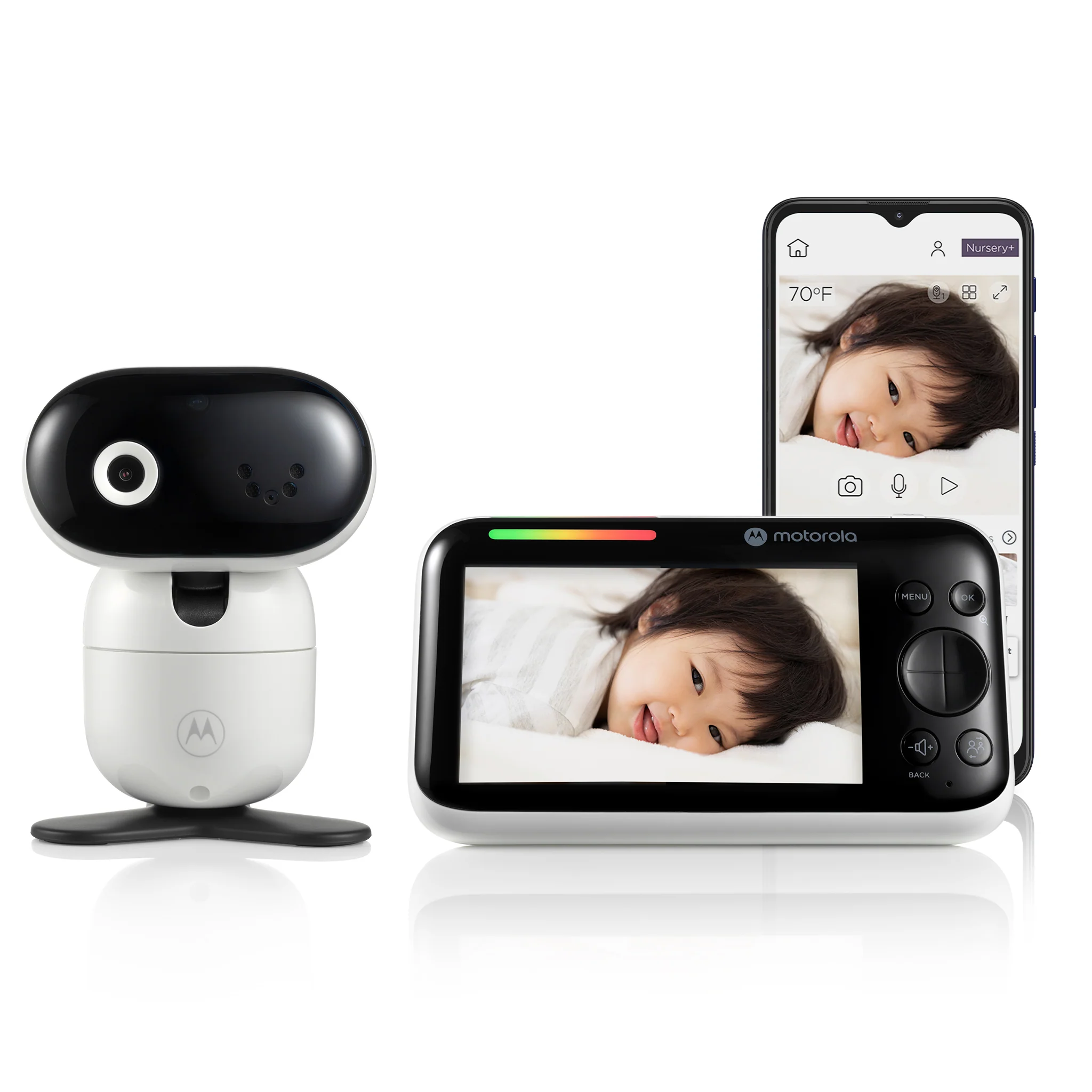
Both a dedicated parent unit and smartphone access. Costs more, but offers maximum flexibility.
Which Type Is Right for You?
| If you want... | Choose... |
|---|---|
| Lowest price | Audio monitor |
| Best overall value | Video monitor |
| Remote viewing | WiFi monitor |
| Privacy and simplicity | Non-WiFi video monitor |
| The best of both worlds | Hybrid monitor |
Buy the monitor that matches how you'll actually use it. Don't pay for remote viewing if you'll almost never check your baby while you're away, and don't buy a basic audio monitor if you know you'll constantly wonder what's happening in the nursery.
WiFi vs. Non-WiFi: Which Should You Choose?
If there's one decision that shapes the rest of your buying process, it's this one.
Should you choose a WiFi monitor or a traditional monitor with its own dedicated parent unit?
You'll find passionate opinions on both sides, and after testing dozens of products, we think the answer is surprisingly simple.
Neither is universally better.
The best choice depends on your priorities.
Pros: Check the nursery from anywhere. Many systems add activity history, motion alerts, firmware updates, and smart home integration.
Cons: Relies on your home network — a weak signal can mean buffering or delayed notifications.
Pros: Direct connection that keeps working even if the internet goes down. One dedicated screen, nothing competing for your attention.
Cons: No remote viewing when you're away from home.
Reliability Matters More Than Technology
One of the biggest misconceptions is that WiFi automatically means better performance.
It doesn't.
A dedicated monitor creates a direct connection between the camera and the parent unit.
If your internet goes down overnight, it doesn't care.
It keeps working.
A WiFi monitor relies on your network.
If your router reboots or your WiFi signal is weak in the nursery, you'll probably notice buffering, delayed notifications, or temporary disconnections.
Neither system is perfect.
The important question isn't which technology is better.
It's which one is more reliable in your home.
What About Privacy?
This is one of the most common concerns we hear from parents considering a WiFi monitor.
The good news is that reputable manufacturers take security seriously.
Encrypted video streams, regular firmware updates, strong password requirements, and optional two-factor authentication have made modern WiFi monitors much safer than they were years ago.
That said, internet-connected devices always introduce additional considerations.
If privacy is your highest priority, a dedicated non-WiFi monitor still has an advantage simply because it isn't transmitting video over the internet.
That doesn't automatically make WiFi monitors unsafe.
It simply means there's one less thing to think about.
WiFi vs. Non-WiFi at a Glance
| Feature | WiFi | Non-WiFi |
|---|---|---|
| Remote viewing | ✅ | ❌ |
| Dedicated parent unit | Sometimes | ✅ |
| Internet required | ✅ | ❌ |
| Works during internet outage | ❌ | ✅ |
| Smartphone notifications | ✅ | ❌ |
| Simple setup | ❌ | ✅ |
| Privacy | Very Good | Excellent |
If you rarely leave your baby with a caregiver and don't expect to monitor the nursery while you're away, a traditional non-WiFi monitor will likely give you everything you need—often with fewer complications.
If we were buying today, we'd recommend a dedicated non-WiFi video monitor for most families. It's simple, dependable, quick to access, and isn't tied to your home's internet connection. We'd choose WiFi only if remote viewing is something we'd genuinely use on a regular basis.
Does Video Quality Really Matter?
Walk through the baby monitor aisle at almost any retailer and you'll notice a familiar pattern.
Every box promises sharper video.
One advertises 720p.
Another highlights Full HD 1080p.
Premium models proudly display 2K or even 4K.
It's easy to assume that the highest resolution automatically delivers the best experience.
For baby monitors, that's rarely true.
Unlike a television or smartphone, you're not watching movies or editing photos. Most of the time you're glancing at the screen for a few seconds to answer simple questions.
Is my baby asleep?
Did they roll over?
Are they standing in the crib?
Do I actually need to go into the nursery?
Those questions don't require an ultra-high-resolution camera.
They require a clear, dependable image.
That's an important difference.
Why We Recommend 1080p
For most families, 1080p offers the best balance of image quality, reliability, and price. It's detailed enough to clearly see your baby's movements, sleeping position, and facial expressions without paying a premium for higher resolutions that provide little real-world benefit.
We'd much rather buy an excellent 1080p monitor with dependable night vision than a 2K or 4K model that sacrifices battery life or reliability.
The Few Times Higher Resolution Can Help
There are situations where 2K cameras provide an advantage.
If you frequently zoom into the image or prefer an extra-wide field of view, additional resolution can preserve more detail.
Some smartphone apps also benefit slightly from higher-resolution cameras because modern phone displays are much sharper than most dedicated parent units.
Those benefits are real.
They're simply much smaller than marketing departments would have you believe.
What We'd Prioritize
| Reliable connection | Excellent |
| Night vision | Excellent |
| Battery life | Excellent |
| Ease of use | Good |
| Remote pan & tilt | Good |
| Display quality | Good |
| Resolution above 1080p | Fair |
If we had an extra $100 to spend, we'd invest it in better night vision, stronger battery life, or a more reliable monitor before we'd spend it on 2K or 4K resolution.
Night Vision
If you only compare baby monitors during the day, you'll miss one of the biggest differences between them.
Almost every modern camera looks respectable in a well-lit nursery.
Nighttime is where quality becomes obvious.
Since most parents use their monitor primarily during naps and overnight, night vision deserves far more attention than higher resolution.
What Makes Good Night Vision?
Nearly every baby monitor uses infrared LEDs to see in the dark, but the results vary widely.
The best monitors combine quality infrared lighting with a good camera sensor and intelligent image processing to produce a clear image that's easy to understand with a quick glance. That's far more important than whether a monitor advertises advanced night vision technology.
Do You Need Color Night Vision?
Some premium monitors now advertise full-color night vision.
It's certainly eye-catching.
It's also something most parents don't actually need.
Color night vision generally requires at least a small amount of ambient light to work effectively.
In a completely dark nursery, most systems still rely heavily on infrared technology.
Traditional black-and-white infrared remains more than capable of showing everything most parents need to see.
We wouldn't pay extra for color alone.
Choosing a monitor because it advertises color night vision instead of evaluating how clear the nighttime image actually is.
Why Night Vision Reduces Stress
One of the biggest benefits of excellent night vision isn't technical.
It's emotional.
You glance at the monitor. Your baby has rolled over. You roll over and go back to sleep too. That's exactly the kind of everyday moment a good monitor should make easier.
If you have to choose between better night vision and higher resolution, choose better night vision every time.
You'll notice the difference almost every single evening.
Understanding Wireless Range
One of the easiest specifications to misunderstand is wireless range.
Manufacturers often advertise figures like:
Those numbers aren't inaccurate.
They're simply measured under nearly perfect conditions.
Your home almost certainly isn't one of them.
Walls, floors, kitchen appliances, fireplaces, metal framing, mirrors, and even large furniture all weaken wireless signals.
That's why the advertised range rarely reflects real-world performance.
How Much Range Do You Actually Need?
Probably less than you think.
If you live in an apartment or average-sized home, almost any quality baby monitor will provide sufficient coverage.
Larger homes deserve more attention.
If you regularly spend evenings in a finished basement, backyard, detached garage, or upstairs office, you'll benefit from a stronger connection.
Instead of asking which monitor advertises the longest range, think about where you'll actually use it.
If you'll mostly be downstairs while your baby sleeps upstairs, almost any quality monitor will have enough range. If you regularly spend time in a basement, detached garage, or large backyard, it's worth investing in a model with a stronger wireless connection.
For most families, advertised range matters far less than reliable real-world performance.
Battery Life
Battery life isn't the feature you'll notice when shopping.
It's the feature you'll notice after months of ownership.
A parent unit that lasts through an entire evening without needing a recharge quickly becomes something you stop thinking about. That's exactly what you want.
For most parents, we think a monitor should comfortably last through an entire evening without needing to be plugged in. Features like voice activation (VOX), automatic screen sleep, and adjustable brightness often make a bigger difference than an extra hour or two on the manufacturer's specification sheet.
A monitor with dependable battery life quickly becomes something you stop thinking about. That's exactly what you want from a product you'll use every single day.
Audio Quality
Most modern baby monitors provide clear enough audio for everyday use, but there are still differences worth paying attention to. A monitor should let you clearly distinguish between a baby stirring, crying, coughing, or calling out without excessive background hiss or delay.
We wouldn't choose one monitor over another based on audio quality alone, but we'd absolutely read reviews for complaints about static, crackling, or delayed sound.
Good audio won't sell a monitor, but poor audio can quickly become frustrating.
Features Worth Paying For
Walk through the feature list of a premium baby monitor and you'll find everything from motorized cameras to digital zoom, split-screen viewing, lullabies, sleep tracking, and remote controls.
Some of these features genuinely improve the experience.
Others sound more impressive than they actually are.
Here's how we'd prioritize them.
Remote Pan and Tilt
If we could recommend only one premium camera feature, this would probably be it.
As babies grow, they become much more mobile.
A camera that perfectly framed a sleeping newborn may no longer capture an active toddler standing at the edge of the crib.
Remote pan and tilt lets you adjust the camera from the parent unit or smartphone without entering the nursery.
You'll likely use it far more often than you expect.
Digital zoom is fine for occasional close-ups. Optical zoom is nice to have, but rarely worth paying extra for.
Not a premium feature, but a properly mounted camera gives a much better angle and keeps cords away from curious hands.
Genuinely useful for spotting a nursery that's too warm or cool. Not worth a big premium, but a nice bonus if included.
Useful in winter when heating dries out the air, but most families don't act on it day-to-day. A bonus, not a requirement.
Multiple Camera Support
This is one feature that's easy to overlook until you suddenly need it.
If you expect another child in the next few years, or if you'd like to monitor both a nursery and a playroom, choosing a monitor that supports multiple cameras can save you from replacing your entire system later.
Many models support two to four cameras, while some also offer split-screen viewing.
If you're confident you'll only ever use one camera, don't spend extra for this feature.
If you're unsure, it's a smart form of future-proofing.
Voice Activation (VOX)
This is one of our favorite features.
Instead of leaving the screen on continuously, VOX mode wakes the display only when your baby makes enough noise.
The result?
Longer battery life, fewer distractions at night, and less light shining beside your bed.
Simple features that improve everyday ownership are often the most valuable.
Motion Alerts
Motion alerts can be useful, particularly if you're monitoring remotely.
The challenge is sensitivity.
Some monitors send so many notifications that parents quickly disable the feature altogether.
A notification is only useful if it tells you something meaningful.
AI Sleep Tracking
AI is one of the newest additions to premium baby monitors.
Some systems estimate sleep quality, recognize crying patterns, and generate nightly summaries through companion apps.
It's interesting technology.
But we'd caution against letting it drive your purchasing decision.
Most parents care far more about whether the monitor connects quickly, shows a clear image, and lasts through the evening than they do about reviewing graphs the next morning.
If AI features come included, great.
We wouldn't pay significantly more for them.
Cloud Recording
Cloud recording allows you to save video clips and review events later.
For some parents, especially during the newborn stage, that can be appealing.
The downside is that many manufacturers lock these features behind monthly subscriptions.
Before paying one, ask yourself:
"Will I still be watching these recordings six months from now?"
For many families, the honest answer is probably not.
Don't choose a monitor because of its subscription features. Choose it because it's an excellent monitor before you ever pay a monthly fee.
How We'd Rank These Features
If we were ranking features purely by everyday usefulness, this is how we'd do it:
| Feature | Priority |
|---|---|
| Reliable connection | Excellent |
| Night vision | Excellent |
| Battery life | Excellent |
| Ease of use | Excellent |
| Pan & tilt | Good |
| Temperature sensor | Good |
| Multi-camera support | Good |
| Motion alerts | Fair |
| Cloud recording | Fair |
| AI sleep reports | Fair |
The smartest baby monitor isn't the one with the most AI features.
It's the one that's still dependable at 2:00 in the morning when you need it most.
Common Baby Monitor Buying Mistakes
Buying a baby monitor isn't difficult, but it's surprisingly easy to spend money on the wrong things.
After comparing dozens of models and following the category for years, we've noticed the same mistakes come up over and over again.
Fortunately, they're also easy to avoid.
A 2K or 4K camera isn't automatically better than 1080p. Once image quality hits a good 1080p standard, more pixels rarely help — better night vision, battery life, and a stronger connection matter more.
Before paying extra for any feature, ask: will I still use this six months from now? If the honest answer is probably not, it shouldn't drive your purchase.
A monitor that works in a two-bedroom apartment may struggle in a large two-story home. Think about where you'll actually spend your evenings — it matters more than the range printed on the box.
Two products with identical specs can feel completely different day to day. How fast it connects and how intuitive the controls are matter more than what's on the spec sheet.
You'll use this monitor every day, usually while tired. The easier it is to use at two in the morning, the better it tends to feel after months of ownership.
Some premium monitors justify their price. Others just add more software. We've seen mid-range monitors outperform premium ones by focusing on reliability instead of feature count.
It's easy to pay for flexibility you'll probably never use. Buy for the family you have today, not a hypothetical one down the road.
If you're buying a WiFi monitor, check the company's track record on firmware updates and two-factor authentication. Long-term software support matters more than flashy app features.
How Much Should You Spend?
Fortunately, you don't need to spend a fortune to buy an excellent baby monitor.
The market has improved dramatically over the last several years, and even mid-range models now offer features that were once reserved for premium products.
Under $100
This price range is ideal if you're looking for:
You may give up premium features like remote pan and tilt or smartphone connectivity, but reliability can still be excellent.
$100–$200
This is where we think most parents should begin their search.
You'll typically find:
For most families, this range offers the best balance of price and long-term satisfaction.
Over $200
Premium monitors often include:
Some are excellent.
Others simply cost more because they include more software.
Spend more only when those features genuinely solve a problem for you.
Budget Guide
| Budget | What We'd Expect |
|---|---|
| Under $100 | Good basics, fewer premium features |
| $100–$200 | Best overall value |
| $200+ | Premium features, not always better value |
We think most parents will be happiest somewhere between $100 and $200. That's where the biggest improvements in everyday usability tend to happen.
Which Baby Monitor Is Right for You?
If you're still unsure after reading this guide, we think a non-WiFi 1080p video monitor is the safest recommendation for the vast majority of families. Sometimes the easiest way to choose is to stop comparing specifications altogether.
Instead, compare your lifestyle.
| If you... | We'd recommend... |
|---|---|
| Live in an apartment | Basic video monitor |
| Want the simplest experience | Non-WiFi video monitor |
| Need remote viewing | WiFi monitor |
| Want both | Hybrid monitor |
| Expect another child | Multi-camera system |
| Travel frequently | Compact monitor with long battery life |
| Prioritize privacy | Non-WiFi monitor |
Frequently Asked Questions
Is a WiFi baby monitor safe?
+
Yes. Choose a reputable manufacturer, keep the firmware updated, use a strong password, and enable two-factor authentication whenever possible.
Is 1080p enough?
+
Absolutely. For almost every family, 1080p provides all the image quality you'll realistically need.
Is two-way audio worth having?
+
Yes, but not because you'll use it constantly. Most parents use it occasionally to comfort an older baby or toddler before entering the room. Since many monitors already include it, we'd consider it a useful bonus rather than a deciding factor.
Should I buy a monitor with breathing detection?
+
Some parents appreciate the additional reassurance these systems provide. Just remember that they should never replace safe sleep practices or medical advice.
Can I use a security camera instead?
+
You can. However, dedicated baby monitors usually offer lower latency, better audio, dedicated parent units, and features designed specifically for nursery monitoring. For most families, they're still the better choice.
Our Philosophy
At ReviewedList, we don't believe the best product is the one with the longest list of features.
We believe it's the product that solves a real problem consistently, without making life more complicated.
That's why our reviews place more weight on reliability than marketing, more weight on everyday ownership than specifications, and more weight on long-term value than flashy features.
If a product impresses us during testing but frustrates us after six months of ownership, we won't recommend it.
Likewise, if a less expensive product delivers a better everyday experience, we'll happily recommend it over a premium alternative.
Because the products worth buying aren't the ones that attract the most attention. They're the ones you quietly rely on every single day.
Final Thoughts
Choosing a baby monitor shouldn't feel overwhelming.
Once you focus on the features that genuinely matter—reliable connectivity, clear night vision, dependable battery life, and ease of use—the decision becomes much simpler.
Ignore the marketing race for higher resolutions and ever-growing feature lists.
Buy the monitor that fits your home, your routine, and your budget.
Months from now, you won't remember whether your monitor advertised AI sleep analysis or a 4K camera.
You'll remember whether it worked every single night.
And in our experience, that's what matters most.