
Buying a Baby Monitor Shouldn't Be This Complicated
A quick search for baby monitors returns hundreds of models, each claiming to offer sharper video, smarter alerts, better sleep tracking, or the latest AI-powered features.
It's easy to assume you need the newest technology to keep your baby safe.
In reality, most parents don't.
The best baby monitor isn't the one with the highest resolution or the longest feature list. It's the one you can rely on every day without thinking about it. A monitor that connects quickly, has clear night vision, lasts through the evening on a single charge, and lets you check on your baby in seconds is almost always a better purchase than one packed with features you'll rarely use.
That's why this guide focuses less on specifications and more on real-world ownership. We'll explain which features genuinely improve your experience, which ones are mostly marketing, and how to choose a monitor that fits both your home and your budget.
Whether you're buying your first baby monitor or replacing an older one, by the end of this guide you'll know exactly what to prioritize—and what you can safely ignore.
Before You Buy
Ask yourself these four questions:
Will I ever want to check the nursery while I'm away from home?
Will this monitor only be used for one child?
How far will I usually be from the nursery?
Do I want a dedicated parent unit or am I happy using my phone?
Your answers will eliminate most of the options before you even start comparing models.
Do You Really Need a Baby Monitor?
For many new parents, a baby monitor feels like an essential purchase.
In most cases, we'd agree.
That doesn't mean every family needs the same type of monitor, though.
If your baby sleeps in the same room as you during the first few months, you may not rely on a monitor very often. Likewise, if you live in a small apartment where every room is only a few steps away, you'll probably hear your baby before the monitor alerts you.
As your child begins sleeping independently, however, a monitor becomes much more valuable.
Instead of wondering whether every sound needs your attention, you can check the nursery in seconds without opening the door or risking waking a baby who was already settling back to sleep.
That's where a good monitor earns its place.
It doesn't replace attentive parenting. It simply removes uncertainty.
The Biggest Benefit Isn't What Most Parents Expect
Many first-time parents assume they'll spend hours watching the screen.
In reality, most don't.
After the first few weeks, a baby monitor becomes something you glance at for a few seconds at a time.
Your baby rolls over, grabs a pacifier, and goes back to sleep.
You put the monitor down and continue your evening.
Those tiny moments happen far more often than dramatic ones, and they're exactly why a reliable monitor is so useful. It helps you avoid unnecessary trips to the nursery while giving you confidence that everything is fine.
When You May Not Need One
There are situations where a dedicated baby monitor may not be necessary.
If your baby sleeps in your room full-time, your home is very small, or you're only looking for occasional supervision during naps, a simple audio monitor—or even no monitor at all—may be perfectly reasonable.
The goal isn't to buy the most technology.
The goal is to solve a problem.
If you don't have that problem yet, there's no reason to overspend.
If you live in a small apartment and simply want to hear when your baby wakes up, an inexpensive audio monitor may be all you need. You can always upgrade later if your needs change.
Most families will benefit from a baby monitor, but not everyone needs the most advanced model. Buy the monitor that fits your home and routine today, not the one with features you might use someday.
Understanding the Different Types of Baby Monitors
Every baby monitor falls into one of four main categories.
Understanding the differences now will make every other buying decision much easier.
Audio Monitors
Audio monitors focus on one job: letting you hear when your baby needs you. They're affordable, reliable, and often have excellent battery life, making them a great choice for small homes, travel, or grandparents' houses. The trade-off is that you lose visual context, so you'll need to enter the nursery to see what's happening.
Best for: Apartments, travel, grandparents, and budget-conscious families.
Video Monitors
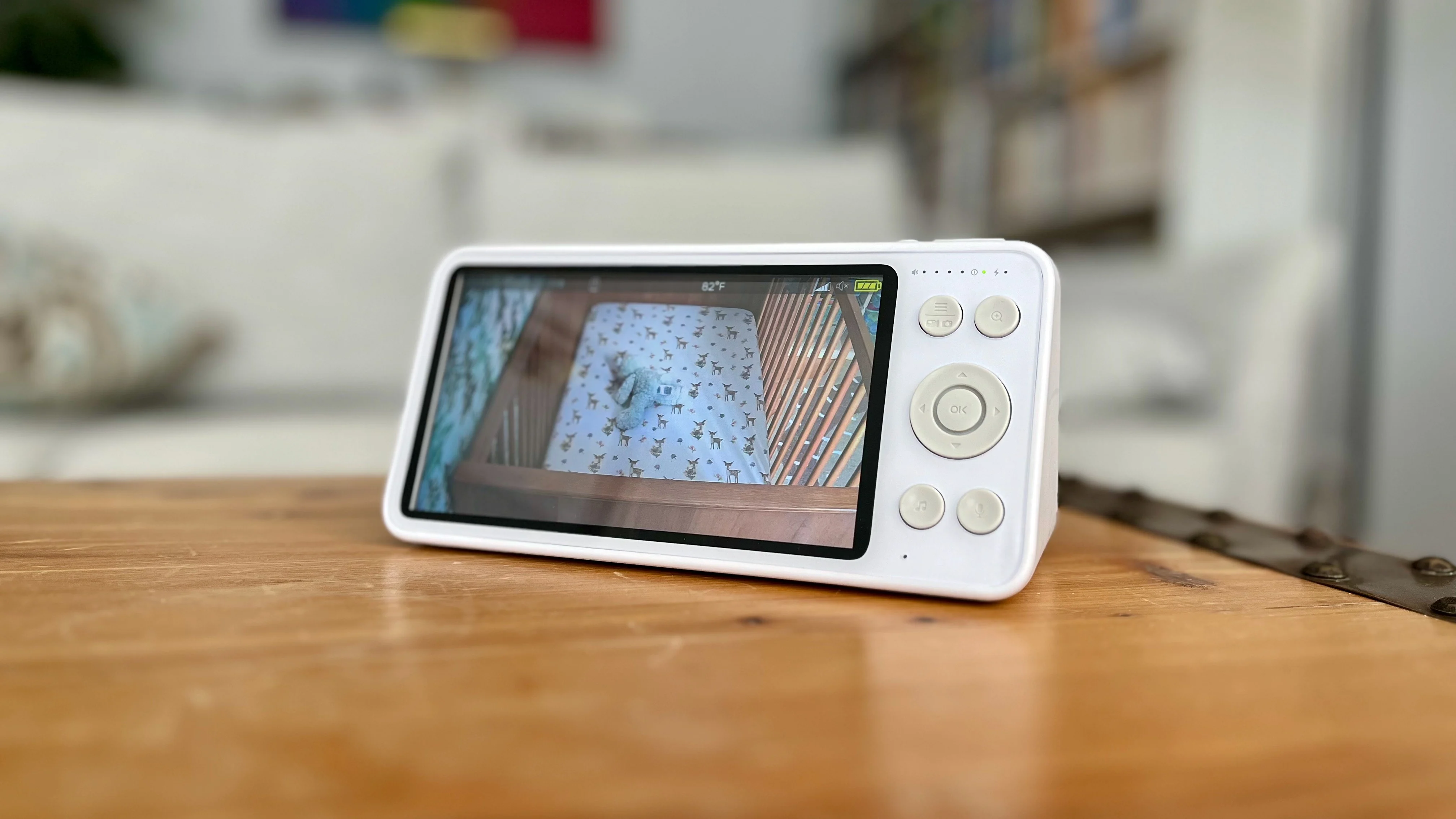
Video monitors have become our default recommendation for most families. A quick glance often tells you everything you need to know—whether your baby is asleep, settling themselves back down, or actually needs you.
That extra context reduces unnecessary trips to the nursery, especially overnight.
Audio monitors are still a perfectly good choice if your goal is simply hearing when your baby wakes up, but because the price difference is now relatively small, we think video is the better long-term investment for most families.
Best for: First-time parents, larger homes and overnight monitoring.
WiFi Monitors
WiFi monitors stream video to your phone or tablet, allowing you to check the nursery from virtually anywhere. They're ideal for parents who value remote viewing, but they rely on your home network and usually require an online account.
Best for: Remote viewing, babysitters, and frequent travelers.
Hybrid Monitors
Hybrid monitors include both a dedicated parent unit and smartphone access. They cost more, but offer the convenience of a traditional monitor at home with remote viewing when you're away.
Best for: Parents who want maximum flexibility.
Which Type Is Right for You?
| If you want... | Choose... |
|---|---|
| Lowest price | Audio monitor |
| Best overall value | Video monitor |
| Remote viewing | WiFi monitor |
| Privacy and simplicity | Non-WiFi video monitor |
| The best of both worlds | Hybrid monitor |
Buy the monitor that matches how you'll actually use it. Don't pay for remote viewing if you'll almost never check your baby while you're away, and don't buy a basic audio monitor if you know you'll constantly wonder what's happening in the nursery.
WiFi vs. Non-WiFi: Which Should You Choose?
If there's one decision that shapes the rest of your buying process, it's this one.
Should you choose a WiFi monitor or a traditional monitor with its own dedicated parent unit?
You'll find passionate opinions on both sides, and after testing dozens of products, we think the answer is surprisingly simple.
Neither is universally better.
The best choice depends on your priorities.
Choose WiFi If...
A WiFi monitor makes the most sense if remote access is genuinely important to you.
Imagine you're out for dinner while grandparents are babysitting.
Or you're working late and want to check whether your baby has fallen asleep.
A traditional monitor can't do that.
A WiFi monitor can.
Many WiFi systems also offer features such as:
Activity history
Motion notifications
Firmware updates
Cloud recording
Smart home integration
If those features fit your lifestyle, WiFi can be an excellent choice.
Choose Non-WiFi If...
For many parents, simplicity wins.
Dedicated monitors connect directly to the parent unit without relying on your home's internet or a companion app. That simplicity is one of their biggest strengths.
There's also something surprisingly refreshing about having a dedicated screen that serves one purpose.
Your monitor isn't competing with text messages, social media notifications, or a phone battery that's already at 12%.
It's just a baby monitor.
That may sound like a small detail, but after months of daily use, it often becomes one of the biggest advantages.
Reliability Matters More Than Technology
One of the biggest misconceptions is that WiFi automatically means better performance.
It doesn't.
A dedicated monitor creates a direct connection between the camera and the parent unit.
If your internet goes down overnight, it doesn't care.
It keeps working.
A WiFi monitor relies on your network.
If your router reboots or your WiFi signal is weak in the nursery, you'll probably notice buffering, delayed notifications, or temporary disconnections.
Neither system is perfect.
The important question isn't which technology is better.
It's which one is more reliable in your home.
What About Privacy?
This is one of the most common concerns we hear from parents considering a WiFi monitor.
The good news is that reputable manufacturers take security seriously.
Encrypted video streams, regular firmware updates, strong password requirements, and optional two-factor authentication have made modern WiFi monitors much safer than they were years ago.
That said, internet-connected devices always introduce additional considerations.
If privacy is your highest priority, a dedicated non-WiFi monitor still has an advantage simply because it isn't transmitting video over the internet.
That doesn't automatically make WiFi monitors unsafe.
It simply means there's one less thing to think about.
WiFi vs. Non-WiFi at a Glance
| Feature | WiFi | Non-WiFi |
|---|---|---|
| Remote viewing | ✅ | ❌ |
| Dedicated parent unit | Sometimes | ✅ |
| Internet required | ✅ | ❌ |
| Works during internet outage | ❌ | ✅ |
| Smartphone notifications | ✅ | ❌ |
| Simple setup | ❌ | ✅ |
| Privacy | Very Good | Excellent |
If you rarely leave your baby with a caregiver and don't expect to monitor the nursery while you're away, a traditional non-WiFi monitor will likely give you everything you need—often with fewer complications.
If we were buying today, we'd recommend a dedicated non-WiFi video monitor for most families. It's simple, dependable, quick to access, and isn't tied to your home's internet connection. We'd choose WiFi only if remote viewing is something we'd genuinely use on a regular basis.