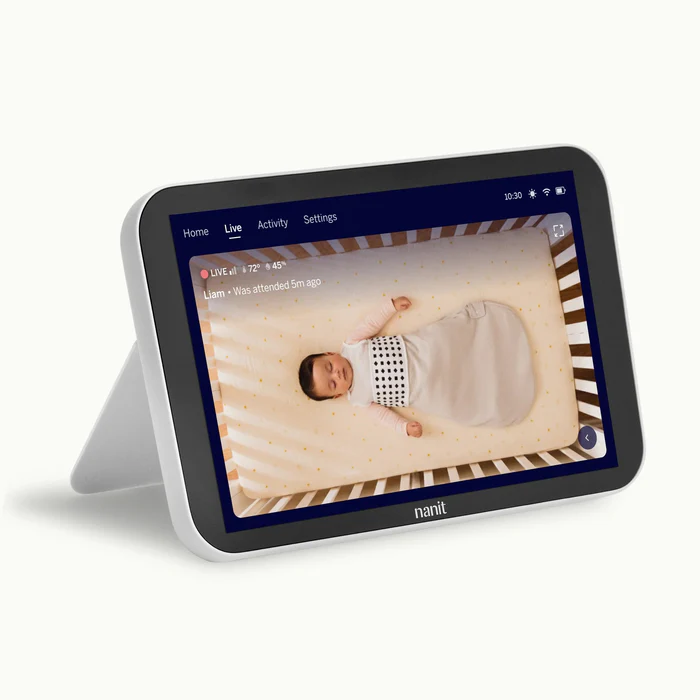
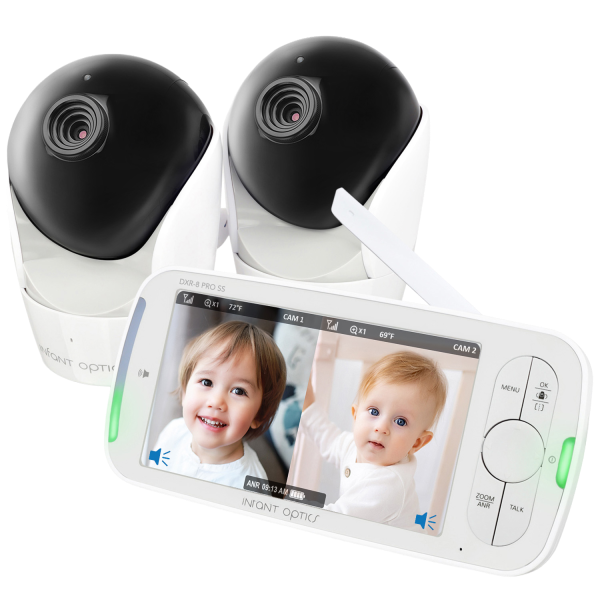
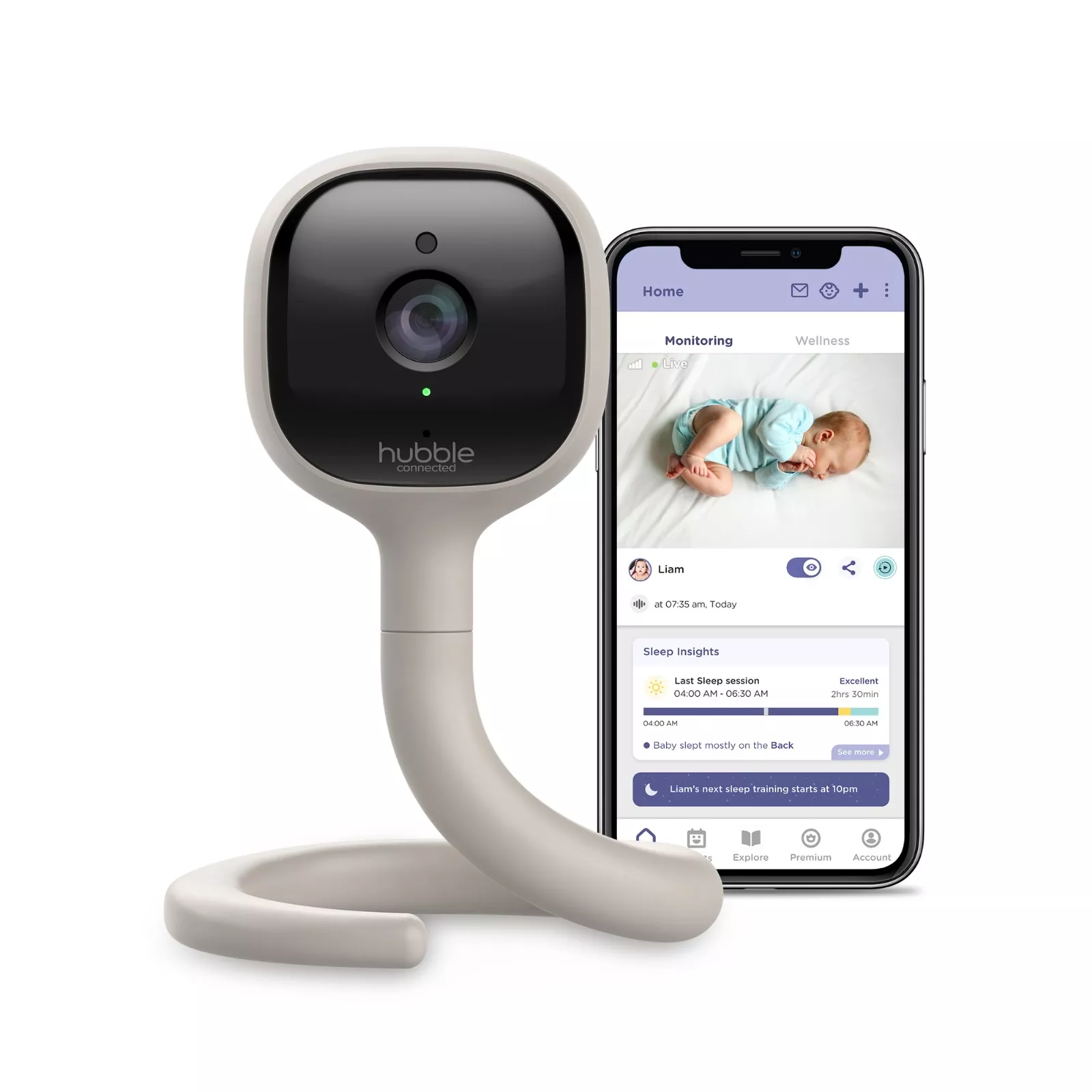
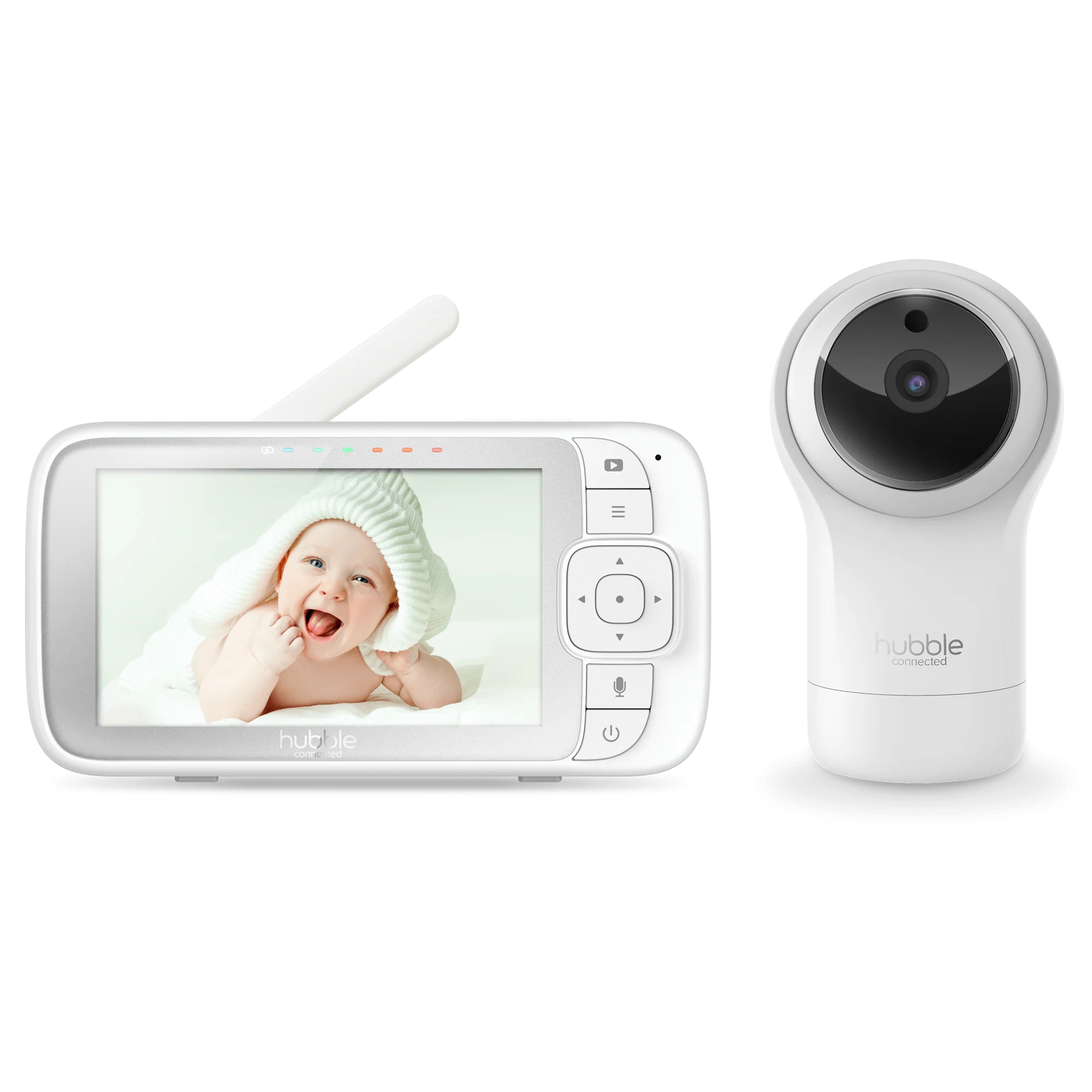
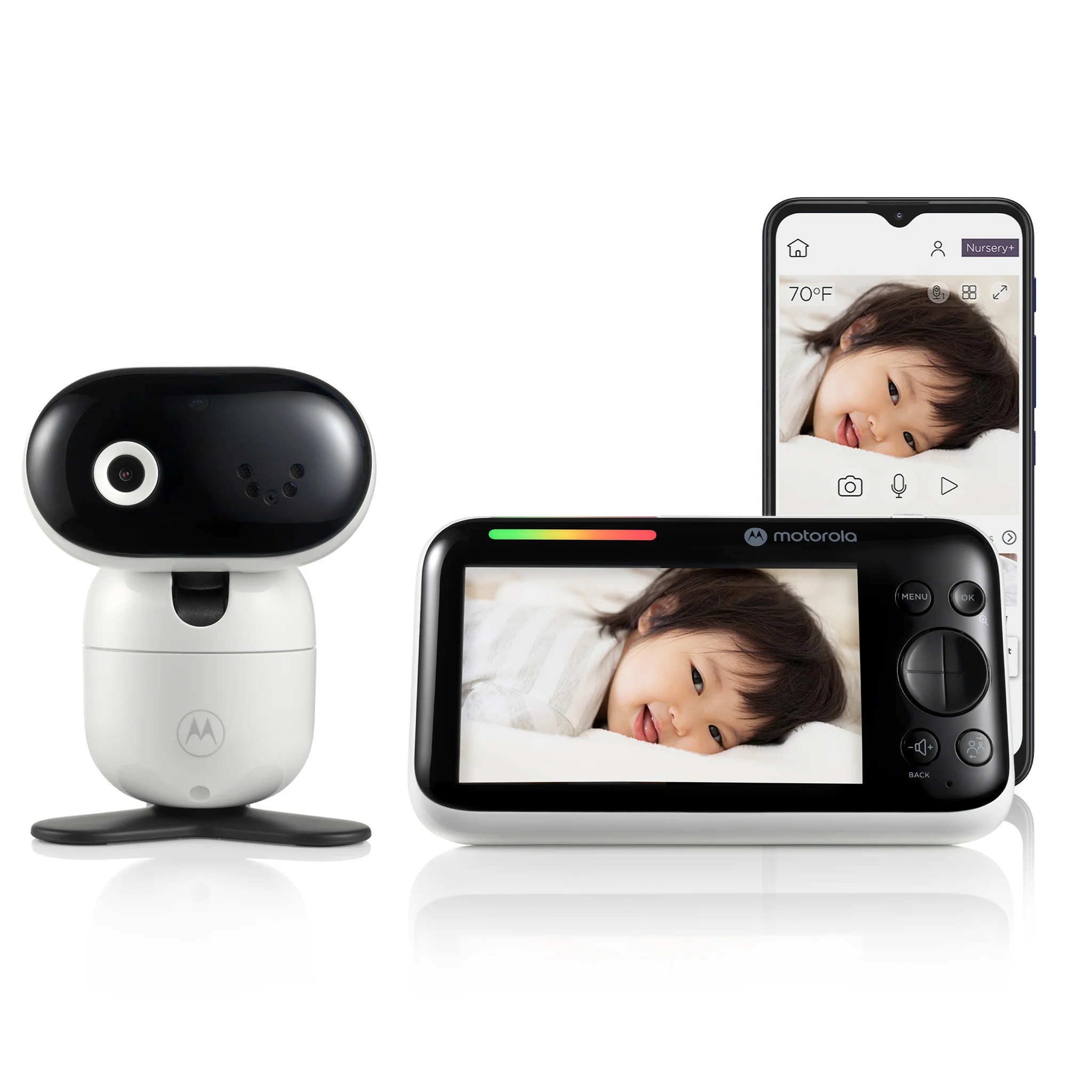
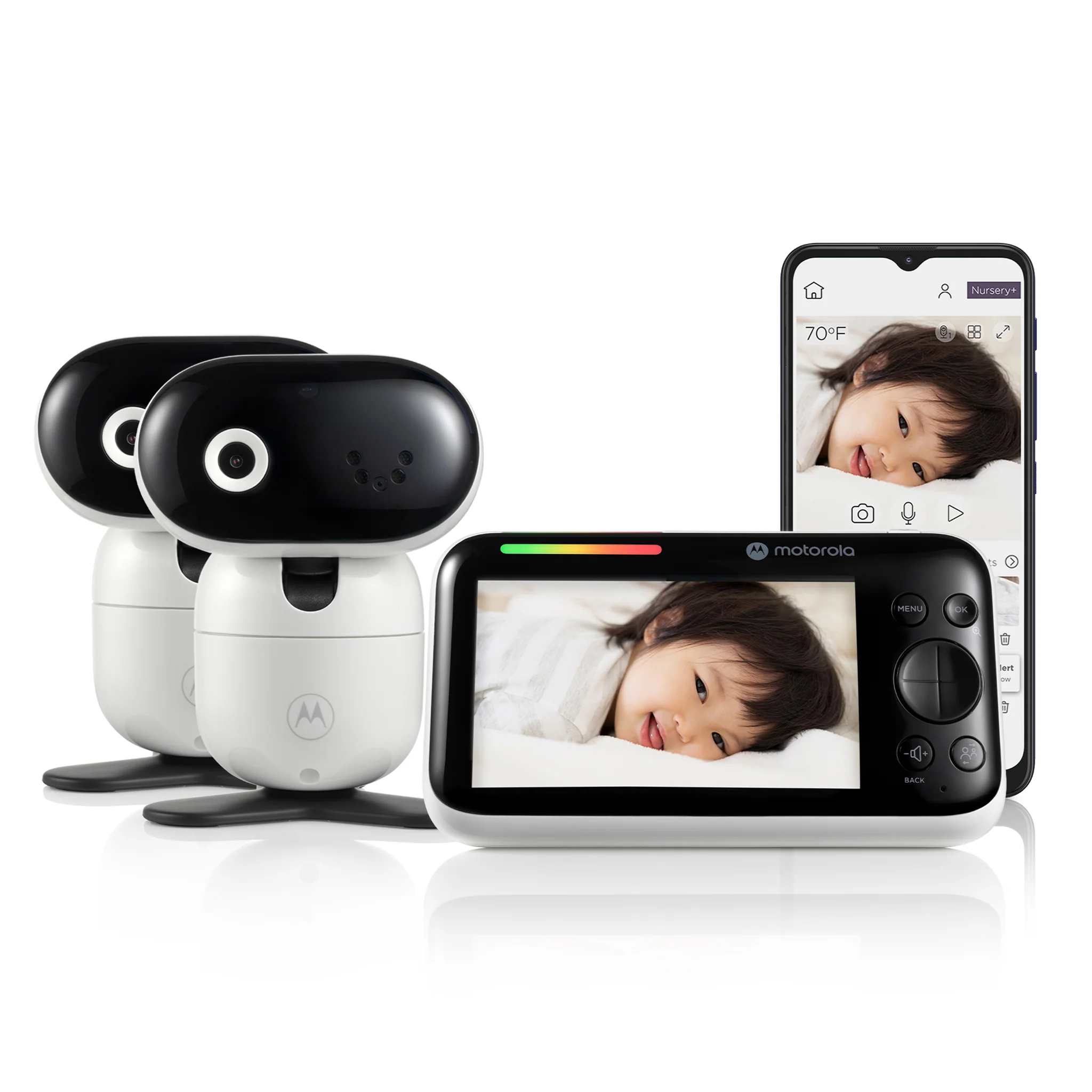
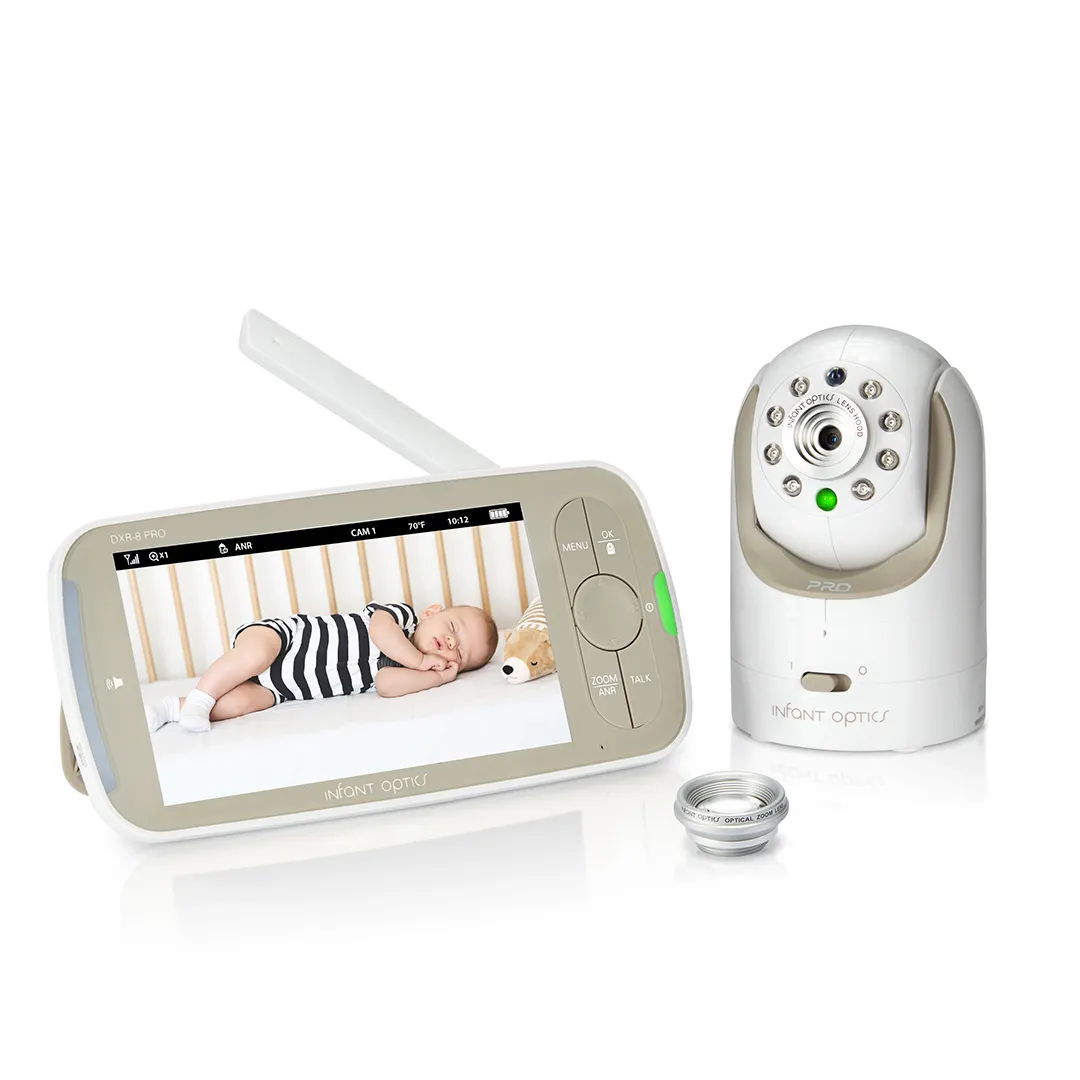
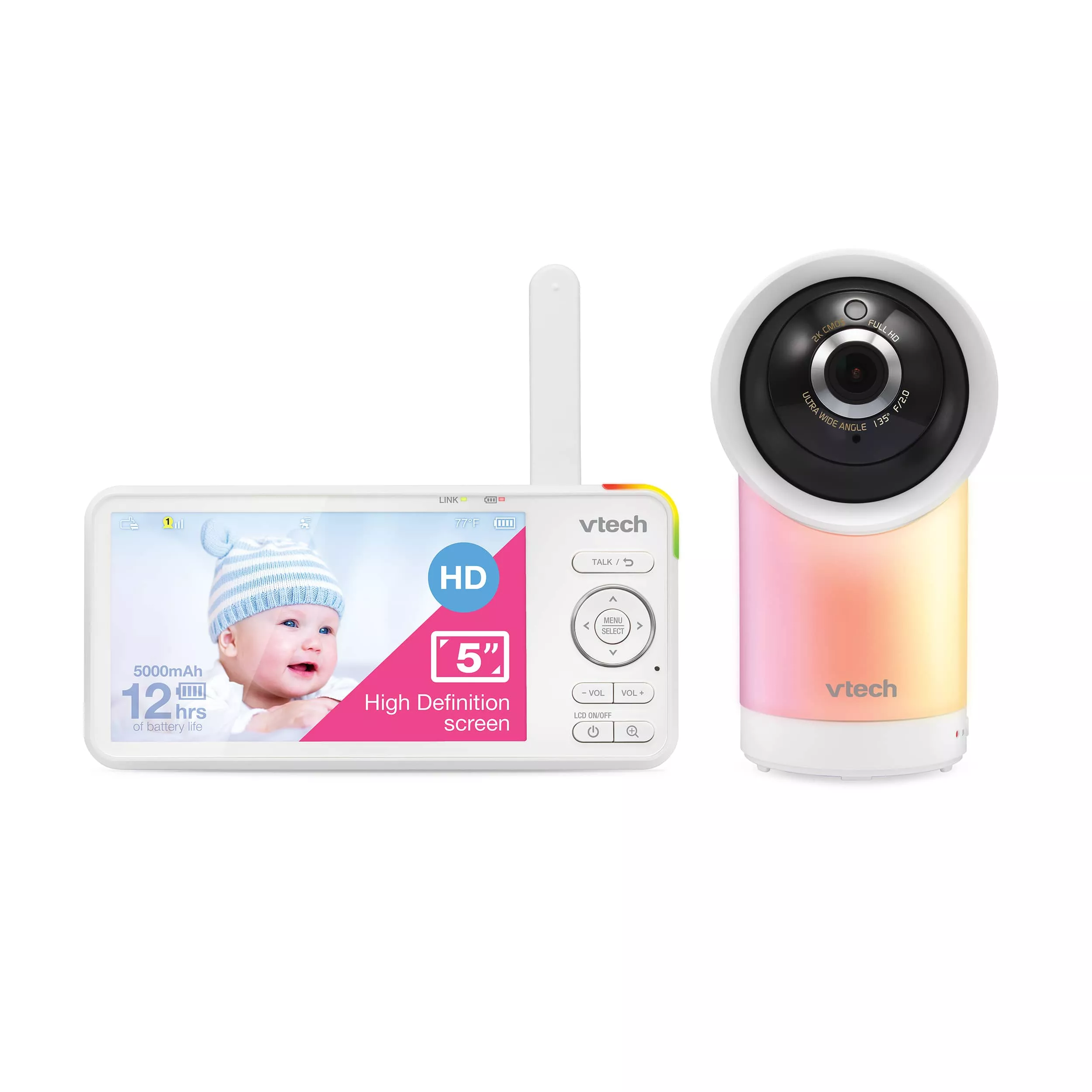
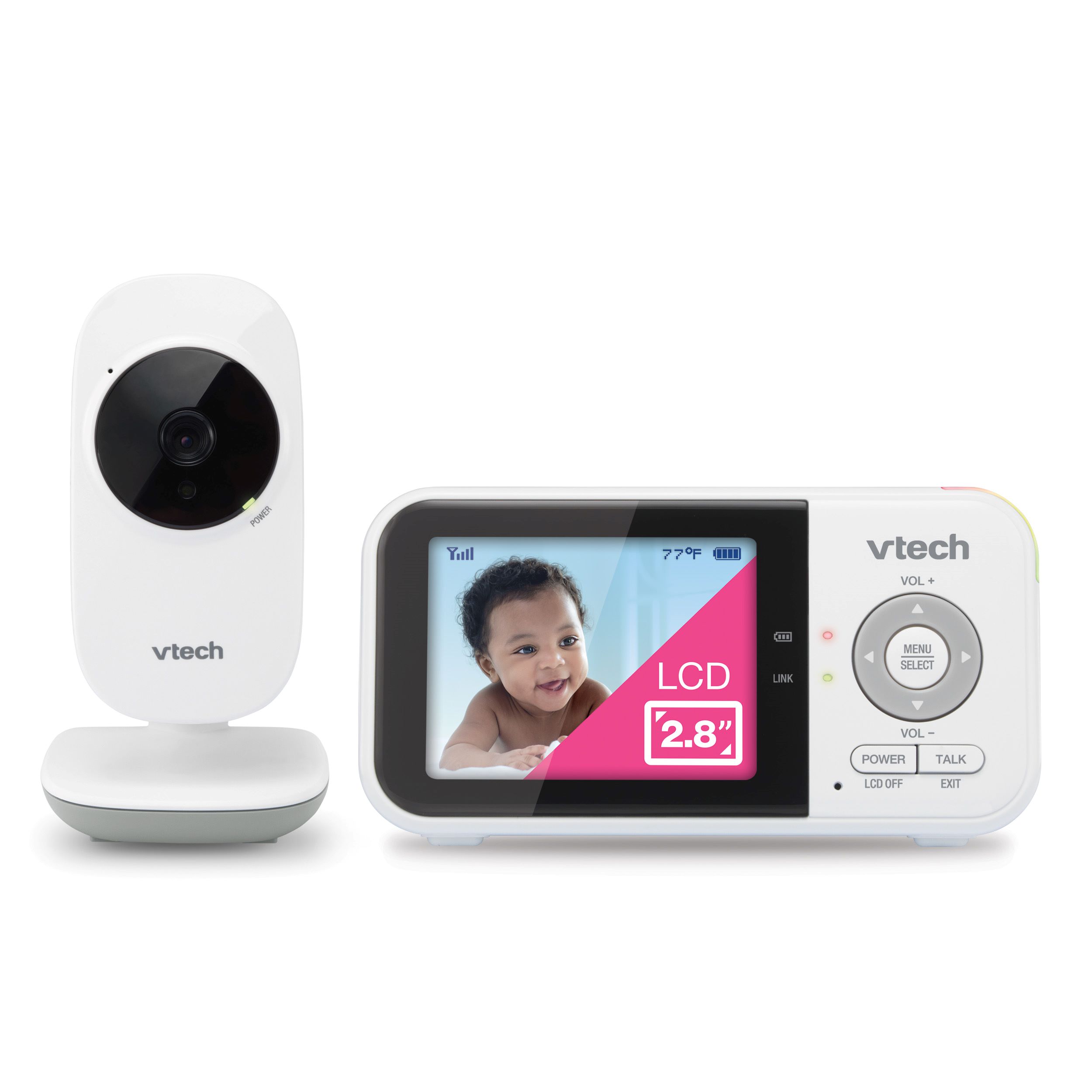
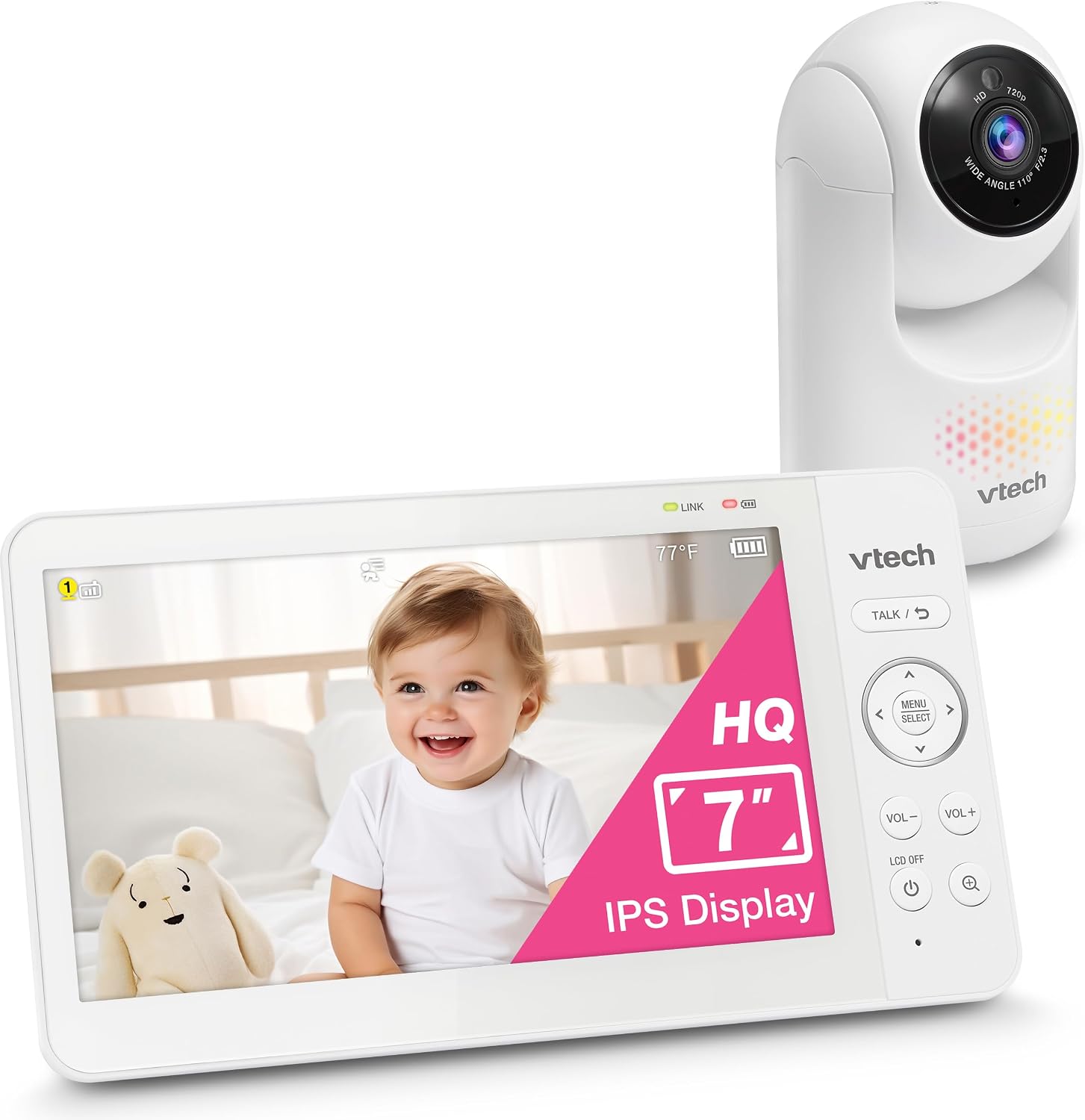
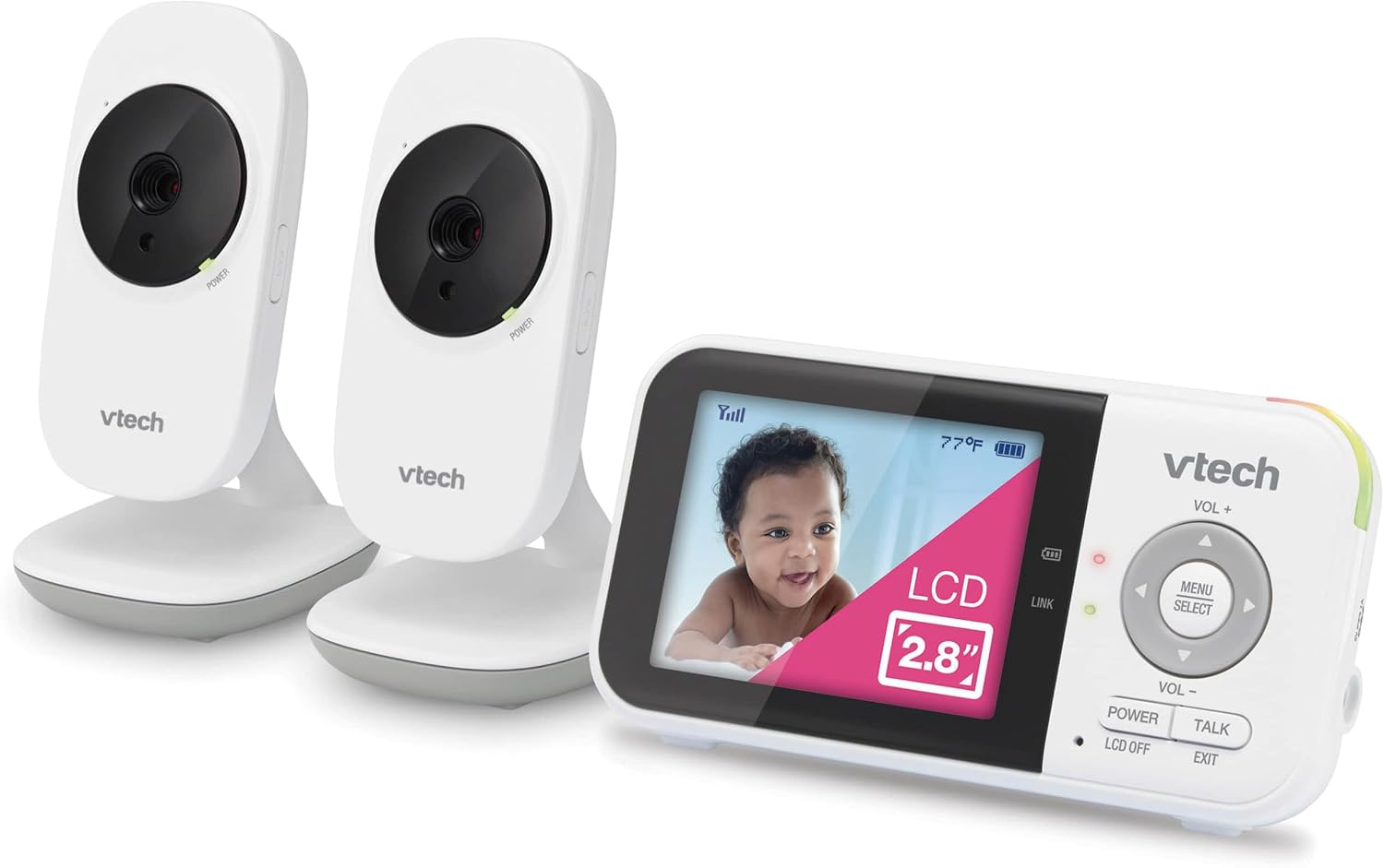
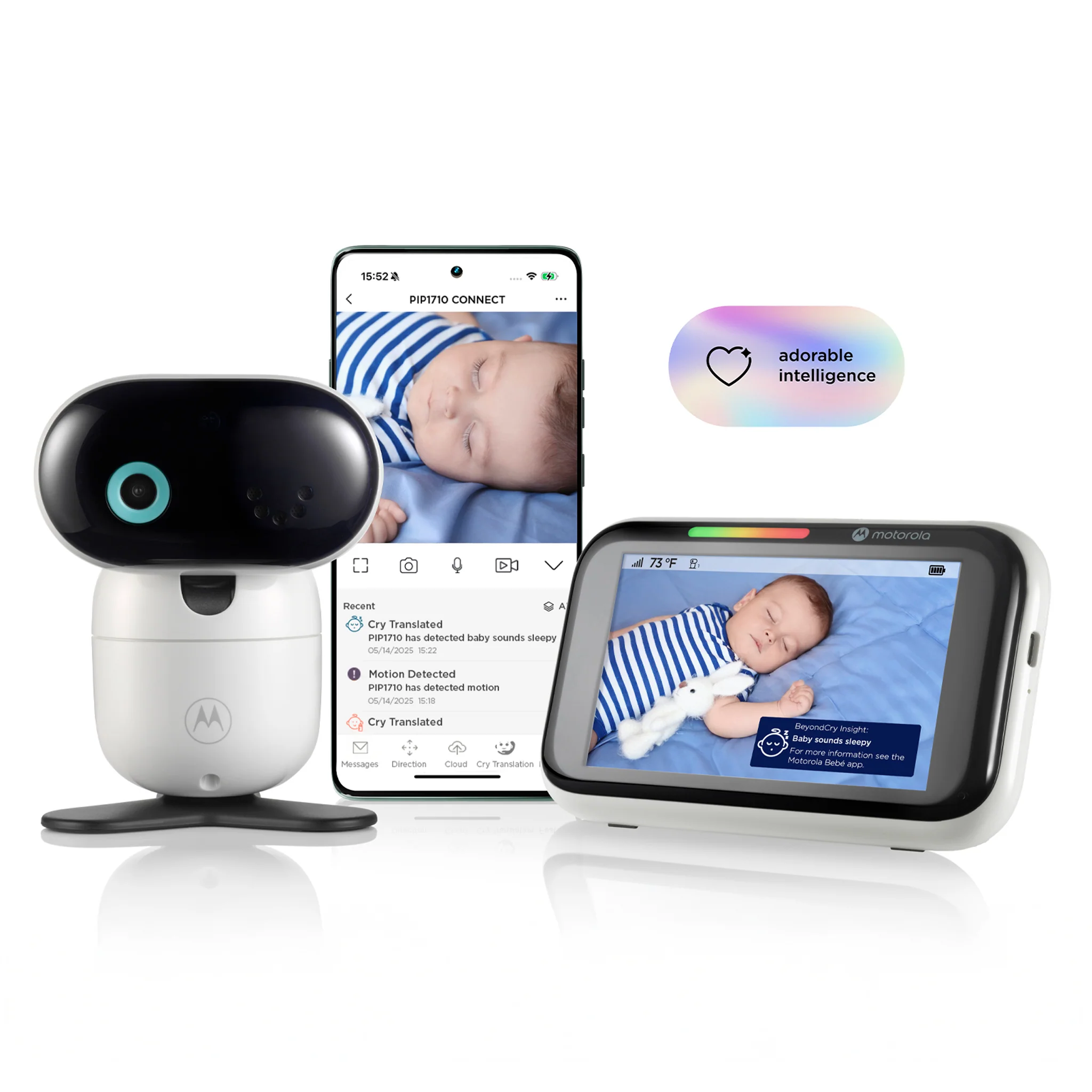
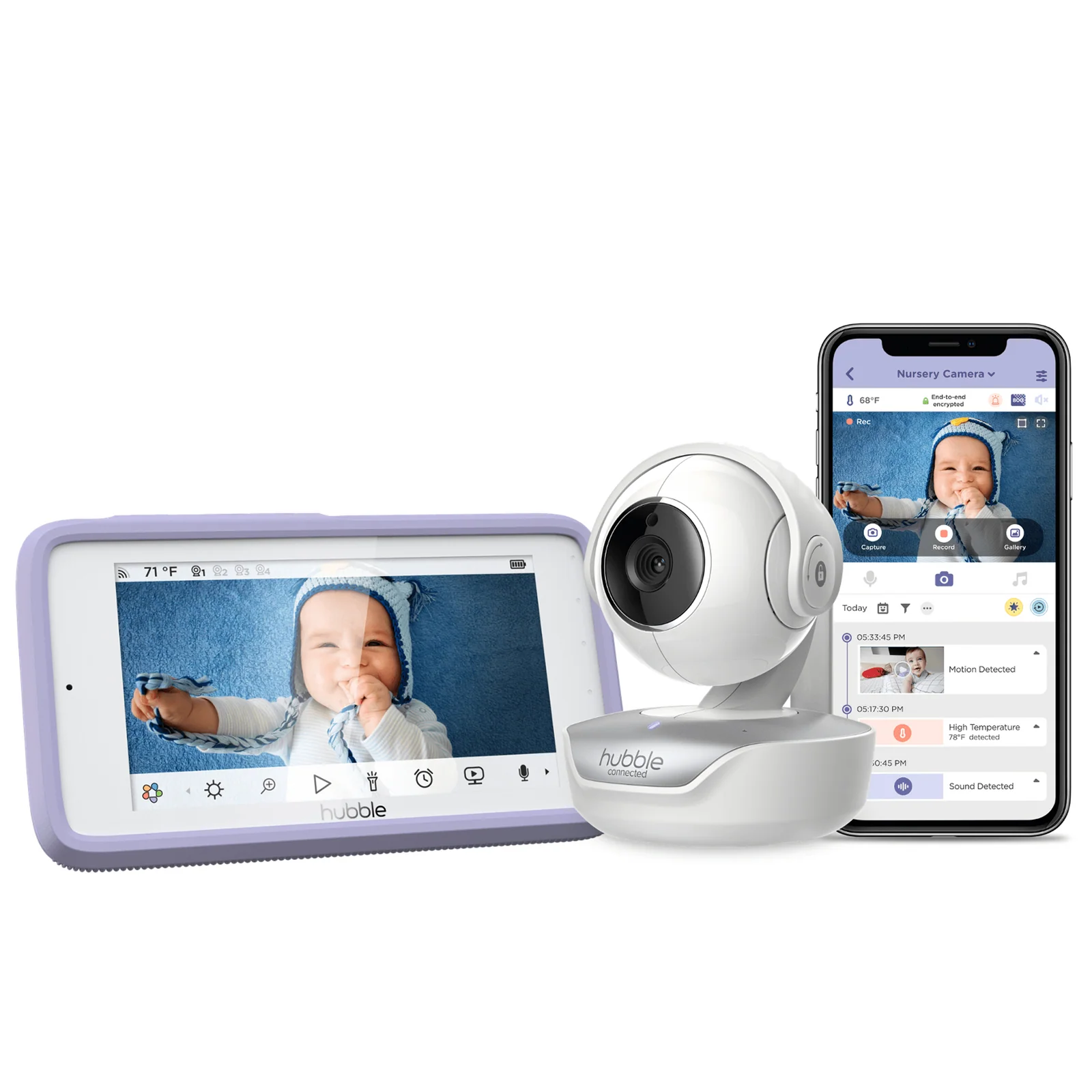
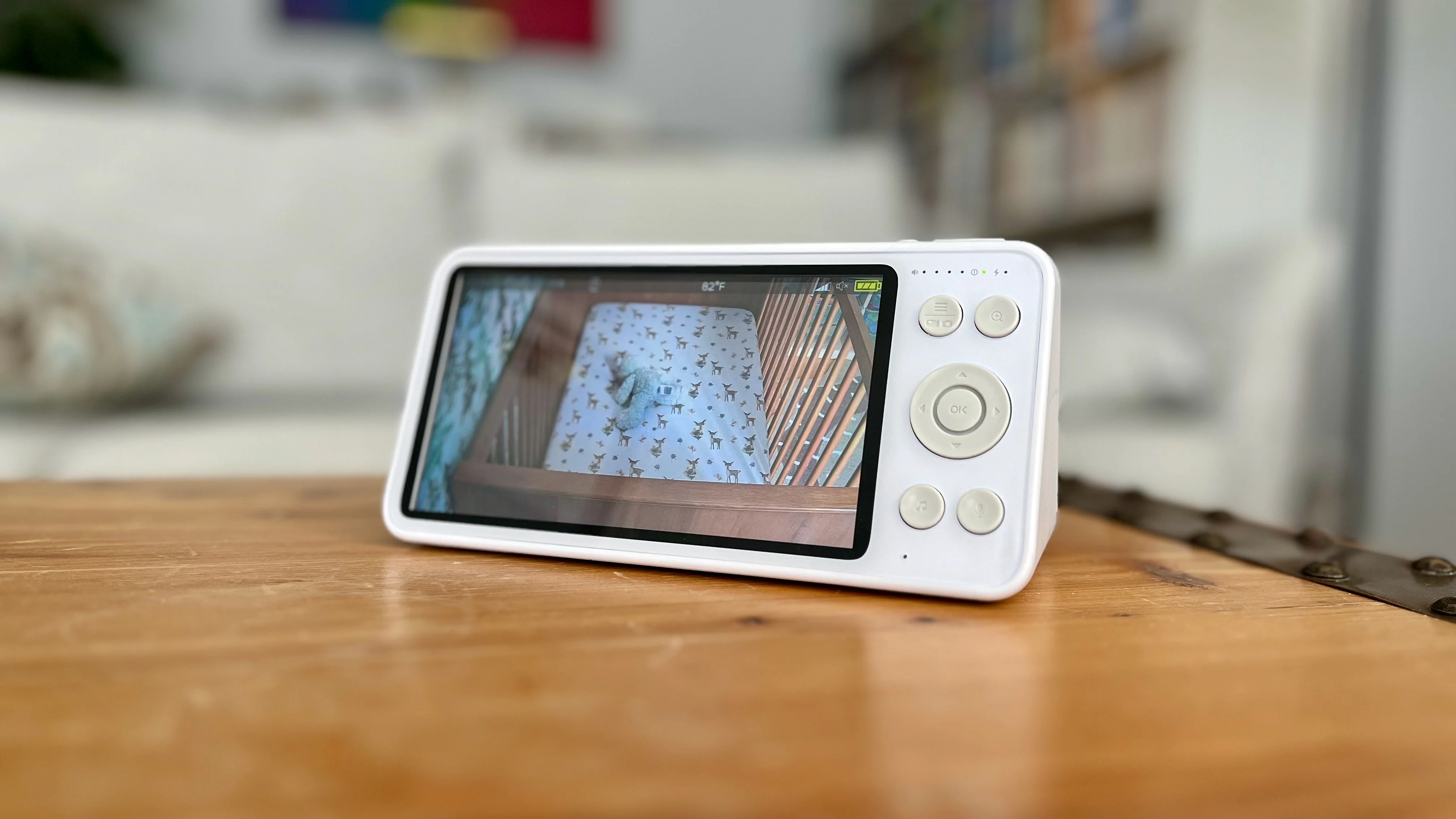
We independently tested and compared today's most popular baby monitors to help parents find the right fit. From simple local video monitors to premium AI-powered systems, our recommendations focus on real-world performance, reliability, video quality, and overall value.
Start here
Tell us what matters most, and we'll narrow the list to the monitors that fit.
Best Overall
Our top-rated pick
Lowest Price
Budget-friendly picks
No Wi-Fi
Nothing touches the cloud
Parent Unit
A dedicated screen
Smart AI Features
Cry & sleep detection
Travel
Built to move with you
Twins
Multi-camera systems
Subscription-Free
Own it outright
Premium
No compromises
Editor's picks
Before you scroll the full list, here's where most parents land.
🏆 Best Overall
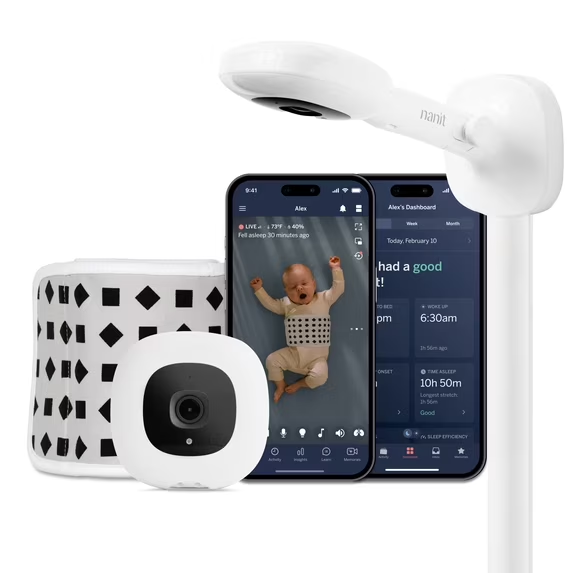
The most complete package in this roundup: sharp video, the best app in the category, and sleep insights nothing else here matches.
💰 Best Value
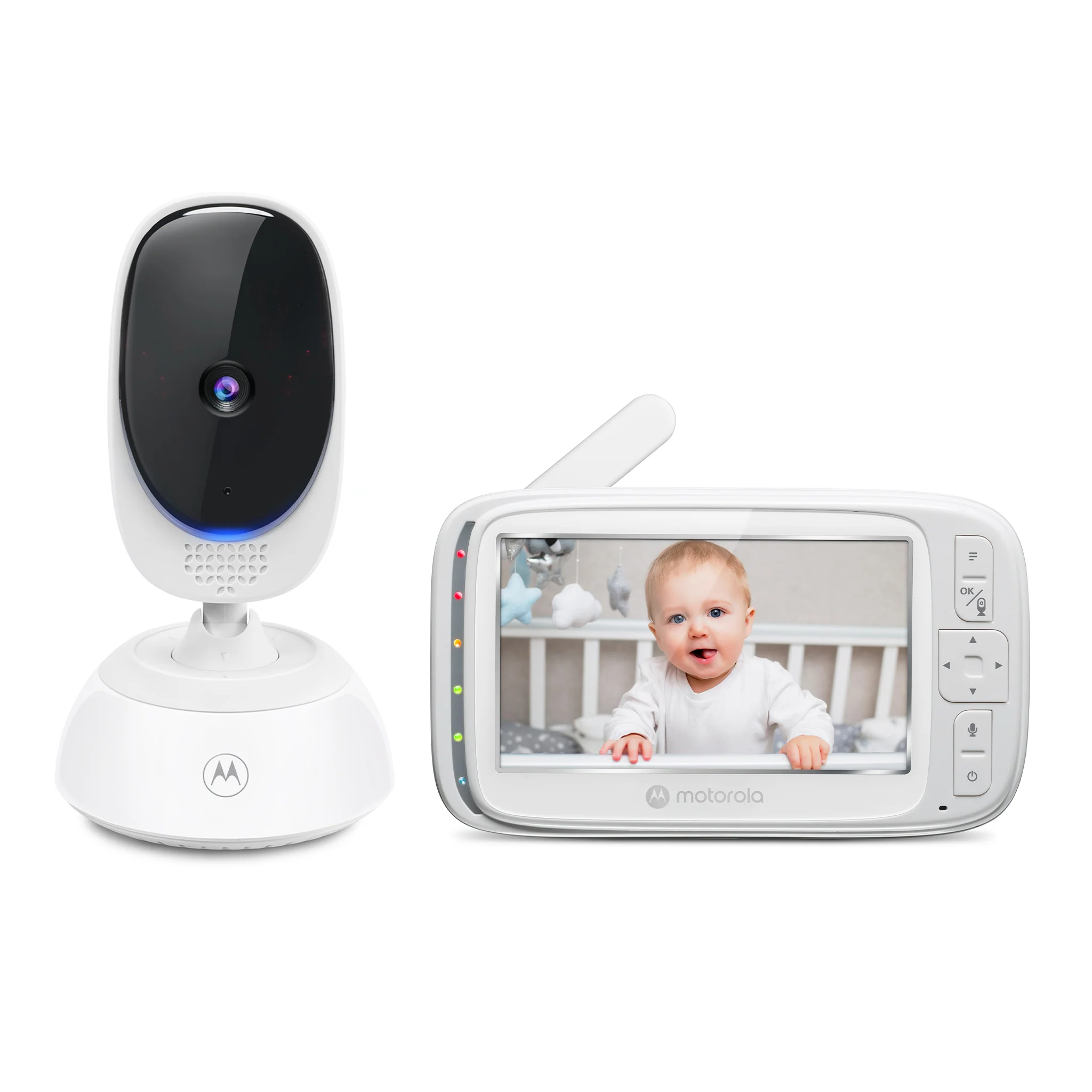
The lowest price and highest value score in this guide, with long battery life and zero ongoing cost.
🔒 Best Without Wi-Fi
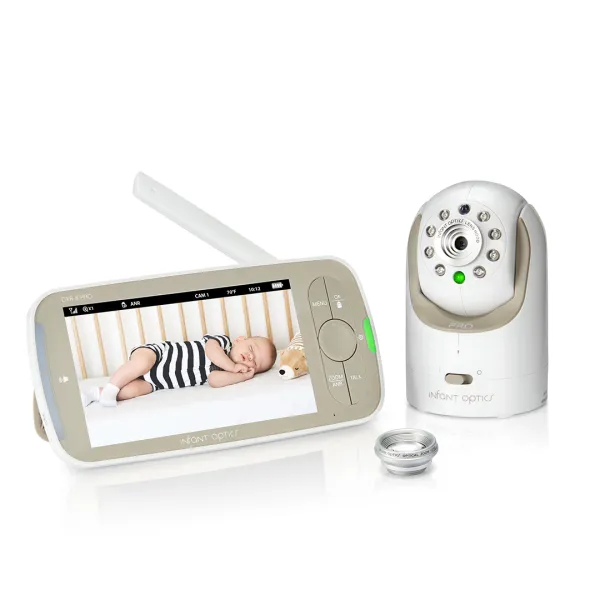
Patented Active Noise Reduction and the most-reviewed non-Wi-Fi monitor on the market.
🧠 Best Smart Monitor
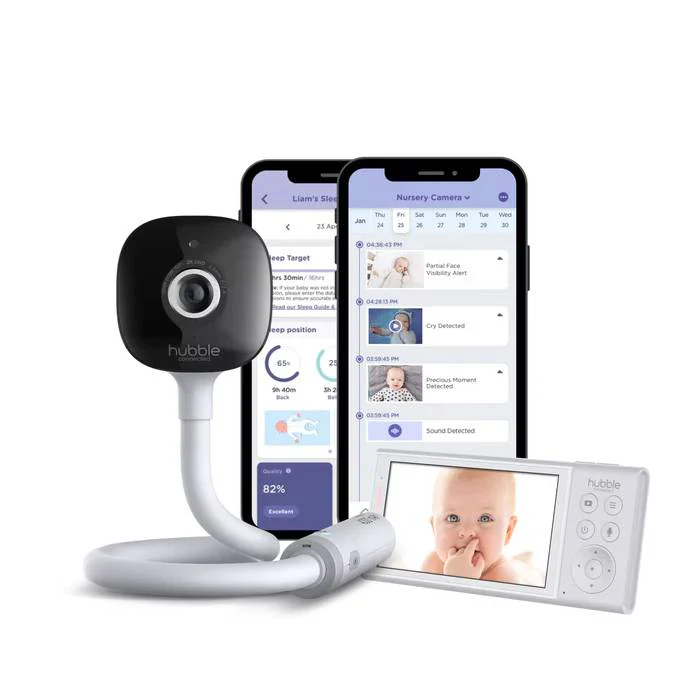
Full AI cry, rollover, and covered-face detection — with no subscription required.
👶 Best For Twins
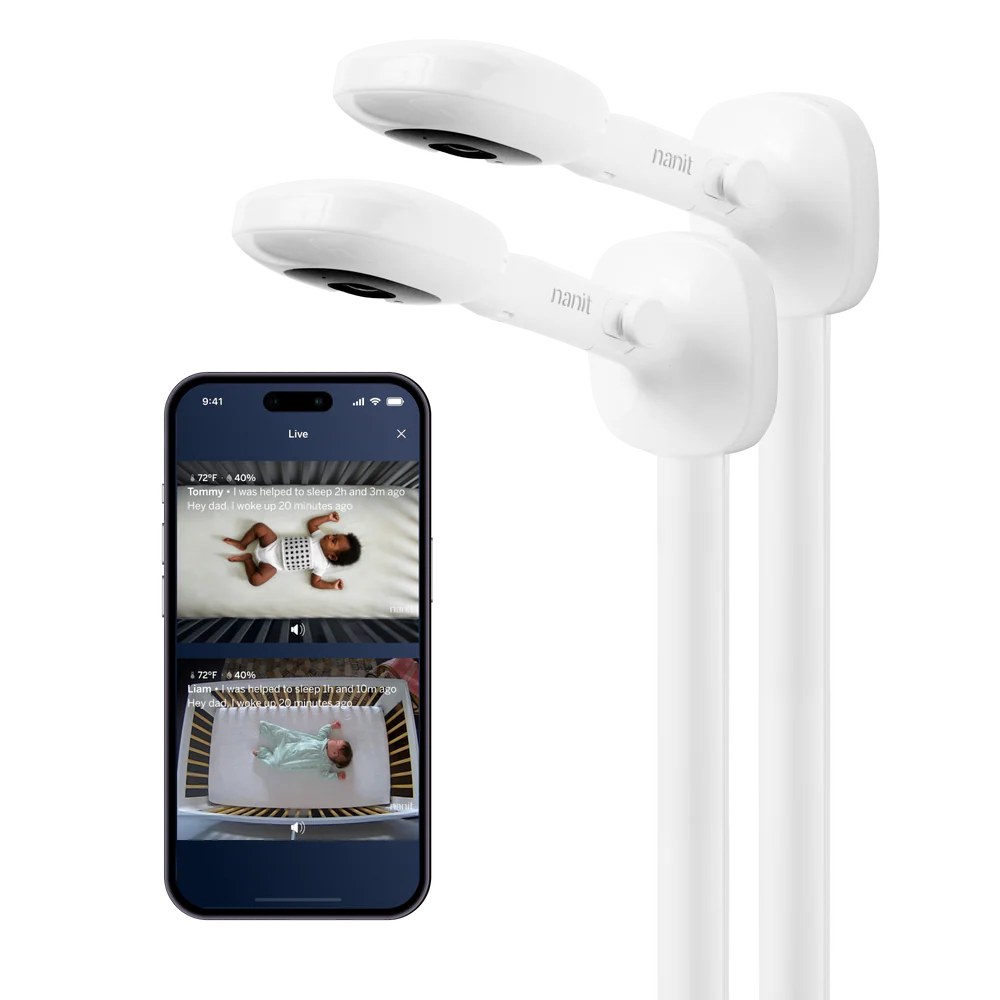
Two complete Nanit Pro cameras with Split Screen viewing and independent sleep tracking per child.
✈️ Best For Travel
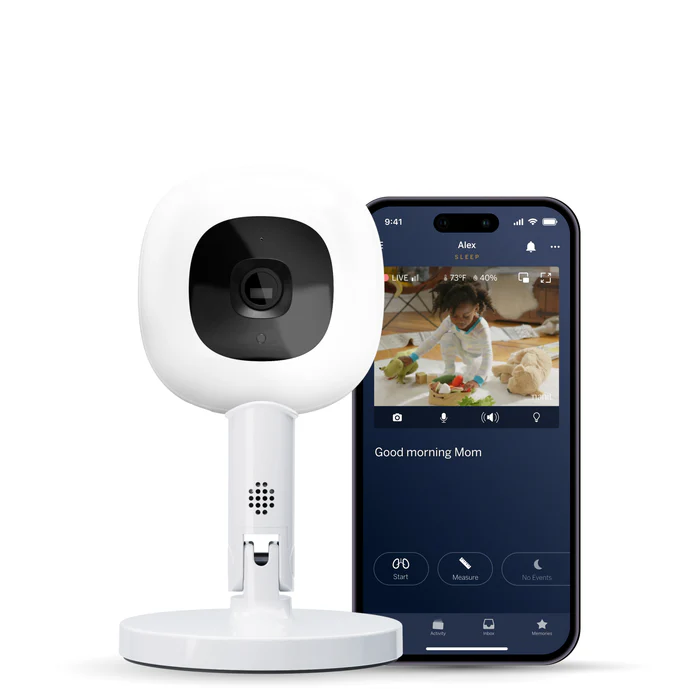
The same Nanit Pro camera on a lightweight stand built to move between rooms or come on trips.
All 19 monitors
Showing
19
of
19
monitors, sorted by score
No monitors match that filter — try a different one.
Buying advice
Four questions worth answering before you buy — everything else is a feature, not a decision.
Wi-Fi monitors give you remote viewing from anywhere and, often, sleep insights and AI alerts — but they depend on your home network and route video through an app or the cloud. Non-Wi-Fi monitors stay local: no app, no account, and nothing to hack, but you lose remote access when you're away from home. If privacy or a spotty router is your main concern, start with our No Wi-Fi filter above.
A dedicated parent unit means one less thing competing for your attention at 2am — no notifications, no temptation to check your phone. A phone-only setup is lighter to travel with and usually cheaper, since you're not paying for a second screen. Several monitors in this guide offer both, letting you use whichever is closer at hand.
Cry classification, rollover alerts, and covered-face detection can genuinely add peace of mind, but they're not a substitute for supervision, and at least one AI feature in this roundup has drawn mixed reviews for accuracy. Treat AI alerts as a helpful layer, not the reason to buy — the underlying video and audio quality matters more day to day.
Most monitors here work fully without a subscription — smart features included. A couple of exceptions gate their AI layer, or even the hardware itself, behind a monthly fee. If you'd rather own your hardware outright with no ongoing cost, our Subscription-Free filter rules those out automatically.
Methodology
Every product in this guide is scored the same way, across six criteria, so ratings are comparable across brands and price points.
Video Quality
Resolution, night vision, field of view
Ease of Use
Setup time and daily operation
App Experience
Interface, notifications, reliability
Features
Smart alerts, sensors, extras
Value
Price versus what you actually get
Reliability
Connection stability, battery, build
Top Brands
Looking for a specific brand? We review monitors from the industry's leading manufacturers, comparing everything from budget local monitors to premium AI-powered systems. Browse by brand to see every model we've tested.

Premium smart baby monitors with AI sleep tracking, breathing insights, and some of the best app experiences available.
View Brand
Trusted local video monitors that prioritize reliability, privacy, and excellent parent units without requiring WiFi.
View Brand
Affordable baby monitors offering excellent value across both WiFi and non-WiFi models for every budget.
View Brand
Feature-rich baby monitors combining dedicated parent units, smartphone connectivity, and flexible camera systems.
View BrandSide by side
The criteria that matter most when deciding. Scroll to see more on mobile.
Product
Score
Price
Questions
Do I need a Wi-Fi baby monitor?
+
Are baby monitor subscriptions worth paying for?
+
What's the difference between a parent unit and an app-only monitor?
+
Are AI features like cry detection actually useful?
+
What's the best baby monitor for twins?
+
How often do you update this guide?
+